
Bootcamps & Intensive Programmes

PCG Hardware Bootcamp Course

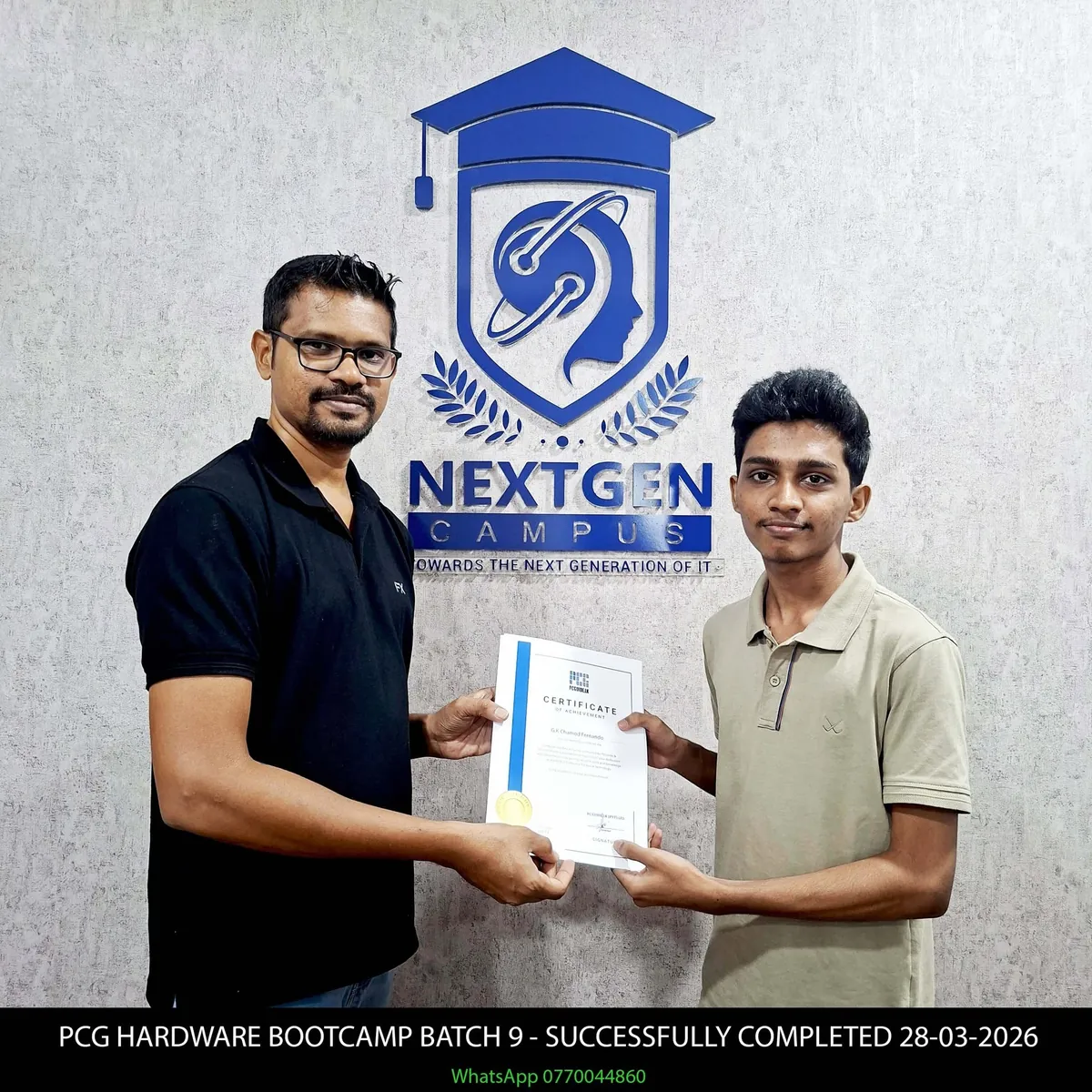
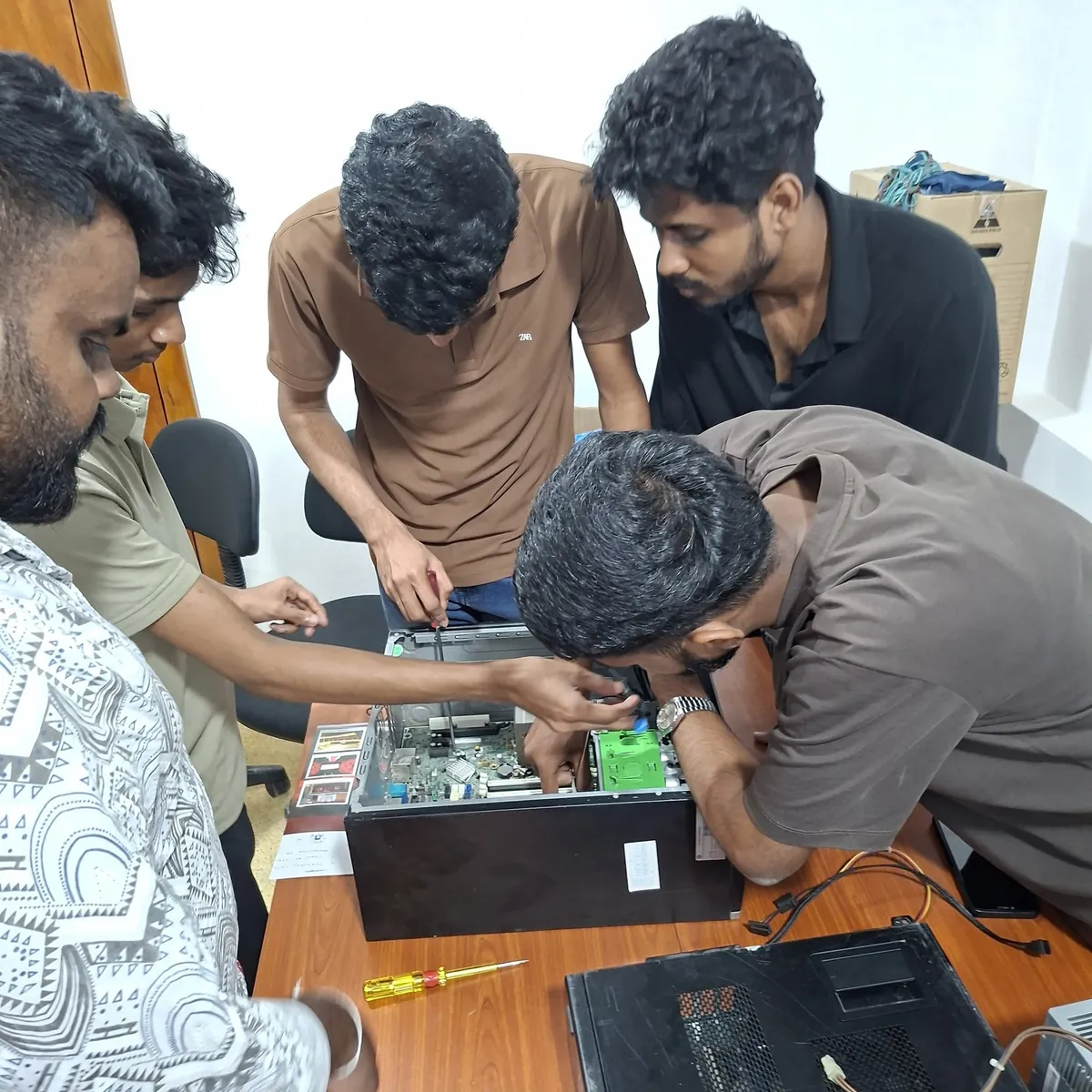
A hands-on PC hardware and computer servicing programme covering computer components, assembly, operating systems, BIOS, drivers, troubleshooting, networking basics and laptop service fundamentals.

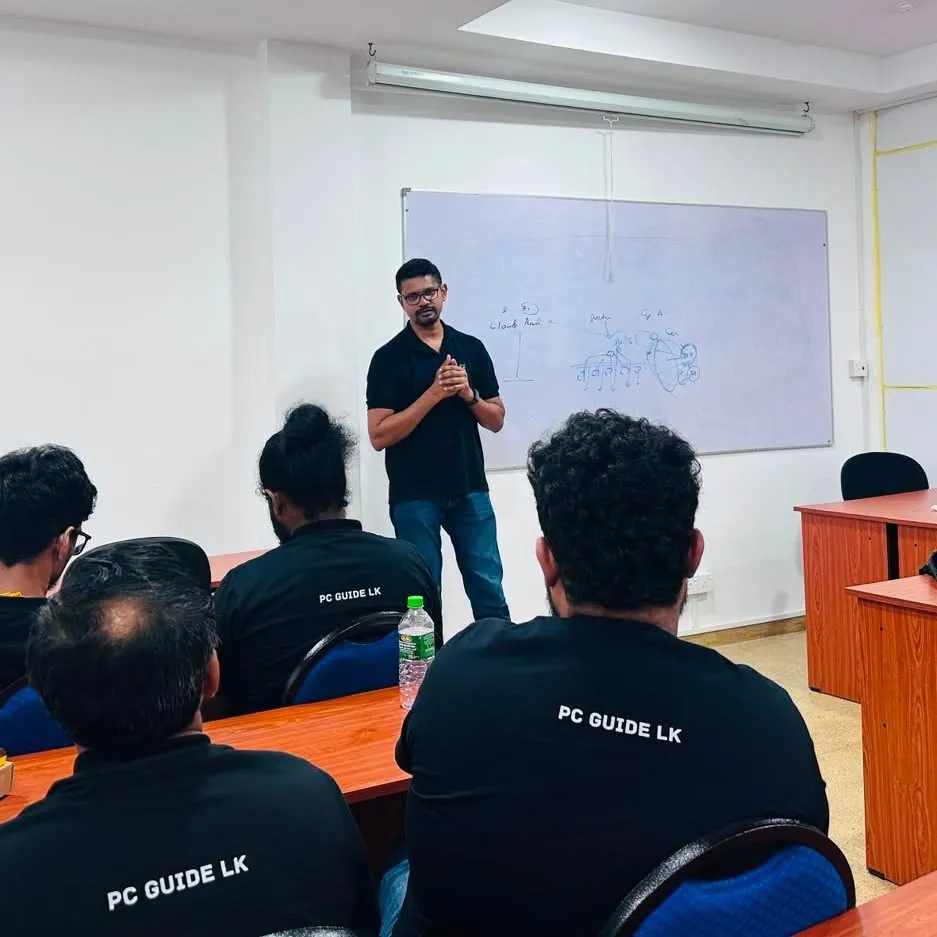
Mr. Ananda Priyadarshan, lead lecturer for the PCG Hardware Bootcamp
Lead Lecturer / Hardware Specialist Mr. Ananda Priyadarshan Founder & CEO, PCGuide.lk

Practical hardware instruction, PC assembly, diagnostics and computer servicing guidance.

PCGuide.lk logo Training Partner & Company BrandPCGuide.lk

Before you apply

Your programme at a glance

Apply / enquire
Qualification
Bootcamp
Awarding body / certification
Confirm awarding body with admissions
Duration & study mode
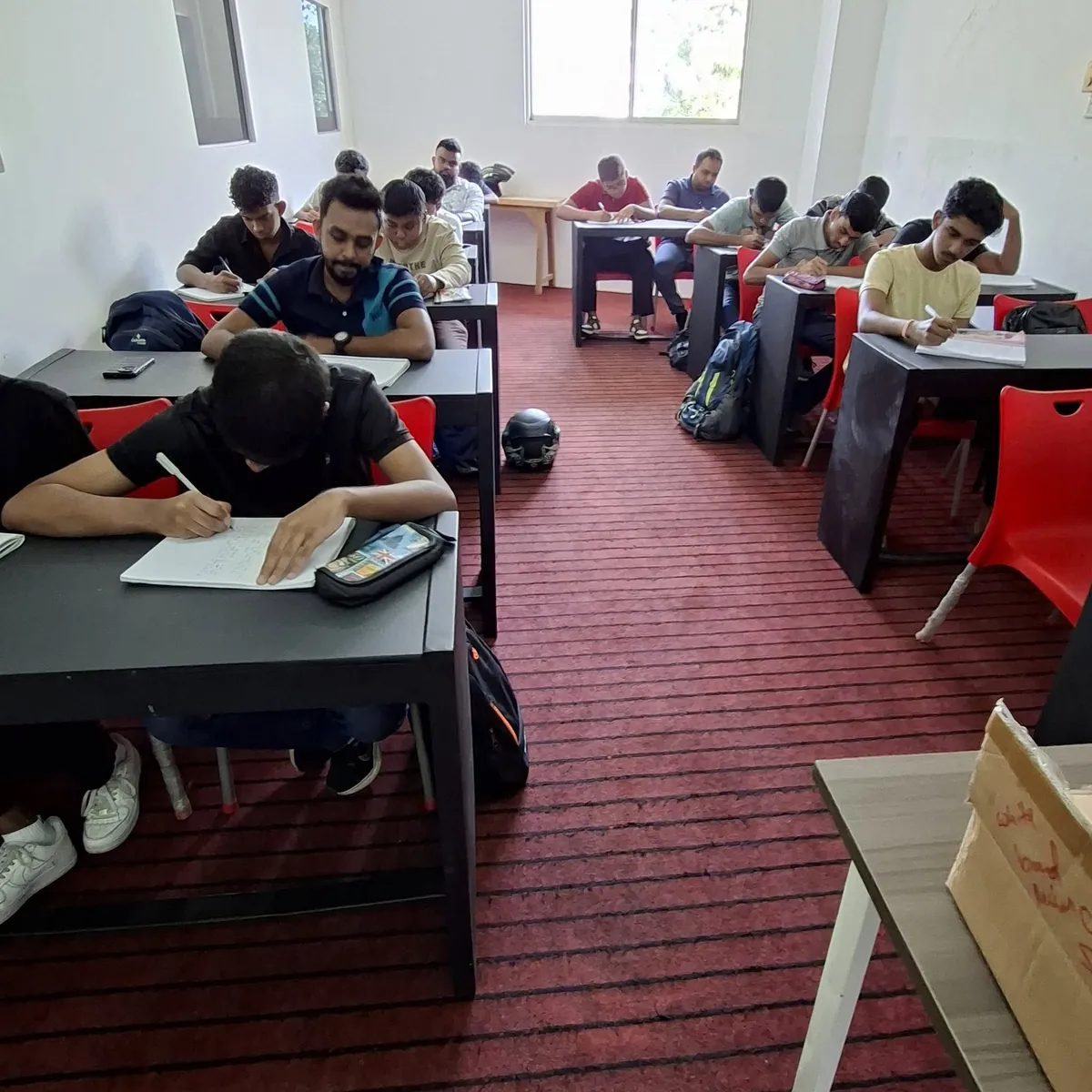
2 MonthsPhysical - NextGen Campus
Fees
LKR 35,000Course fee only. Check payment options below for registration, exam and certificate charges.
Entry requirements

Basic computer literacy; Interest in computer hardware, repair or IT support

All entry requirements
  • Ability to follow practical lab instructions
  • Basic English reading ability for technical terms
  • No previous professional certification required
  • Willingness to follow lab safety and equipment handling guidelines
Next intake
Confirm next intake with admissions

Course Content

What you will study

  • Introduction to computer hardware, software and computers
  • Parts of a computer: CPU, RAM, PSU, GPU, motherboard, casings, monitor and UPS
  • Hardware component brands and categories
  • How to mix and match compatible components
  • Preparing PC quotations
  • Comparing prices, brands and common issues
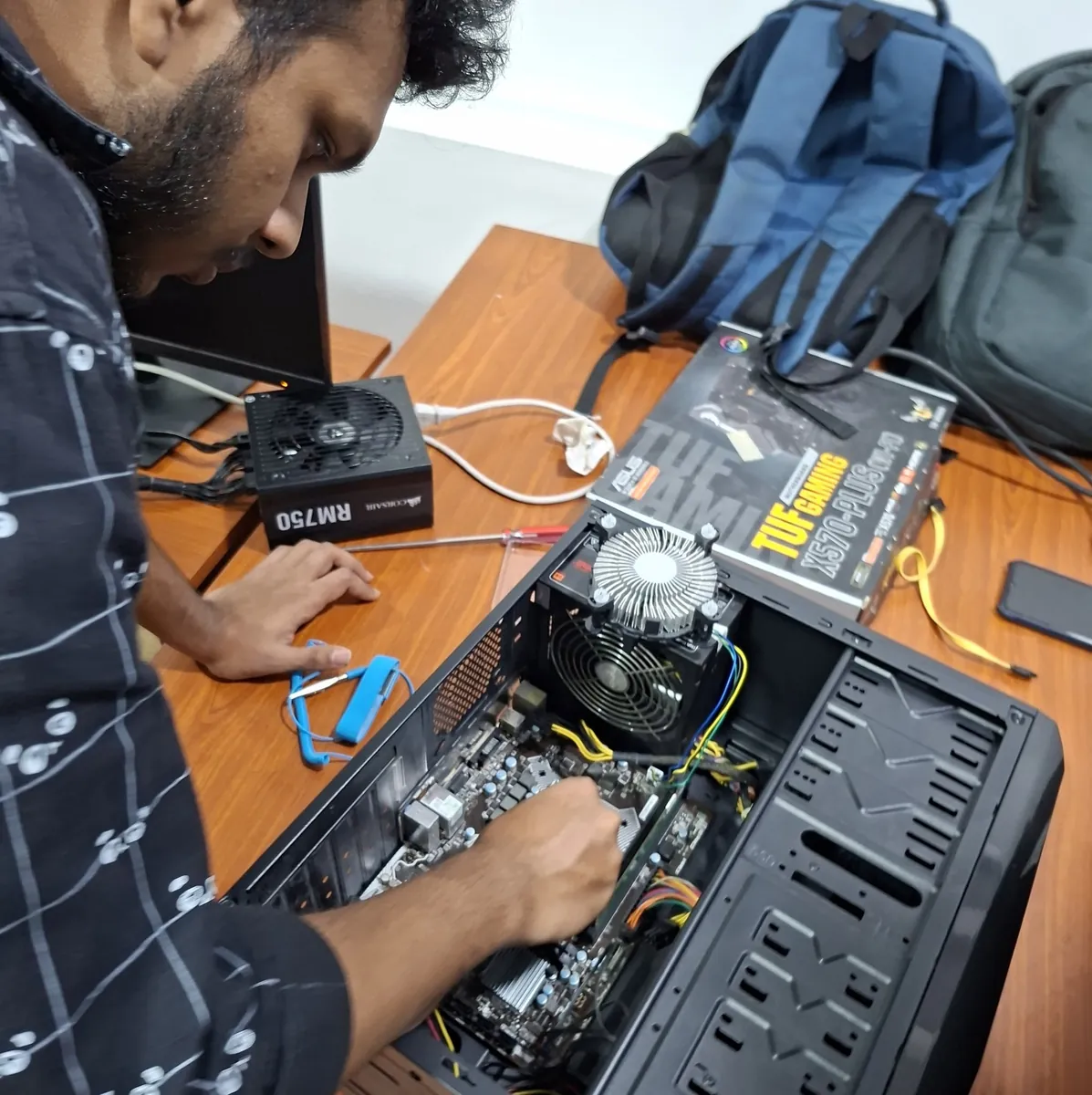
  • PC assembling practicals
  • Operating system installation and troubleshooting
  • BIOS configuration and troubleshooting
  • Driver installation, updates and troubleshooting
  • Networking basics
  • Laptop service basics

Tools & Practical Areas

Hands-on equipment

  • Desktop PCs
  • Motherboards
  • CPUs
  • RAM
  • Power supplies
  • GPUs
  • Storage devices
  • BIOS/UEFI
  • Windows installation media
  • Drivers and diagnostic utilities
  • Basic networking tools
  • Laptop hardware components

Learning Outcomes

Skills you will build

  • Identify major computer hardware components
  • Understand hardware compatibility
  • Select suitable PC components
  • Prepare basic hardware quotations
  • Assemble desktop computers
  • Install operating systems
  • Configure BIOS/UEFI
  • Install and troubleshoot drivers
  • Diagnose common hardware issues
  • Understand basic networking
  • Perform basic laptop servicing
  • Follow safe hardware handling practices

Career Pathways

Where this can lead

  • PC Hardware Technician
  • Computer Repair Technician
  • IT Support Technician
  • Desktop Support Technician
  • Junior Hardware Engineer
  • Help Desk Technician
  • Field Support Technician
  • Computer Service Technician
  • Junior Network Support Technician
  • IT Support Assistant

Practical Focus

Workshop learning style

  • Guided component identification and safe handling practice
  • Desktop PC assembly and disassembly practice
  • Operating system installation and setup activities
  • BIOS/UEFI checks, configuration and troubleshooting
  • Driver installation, update and fault-resolution practice
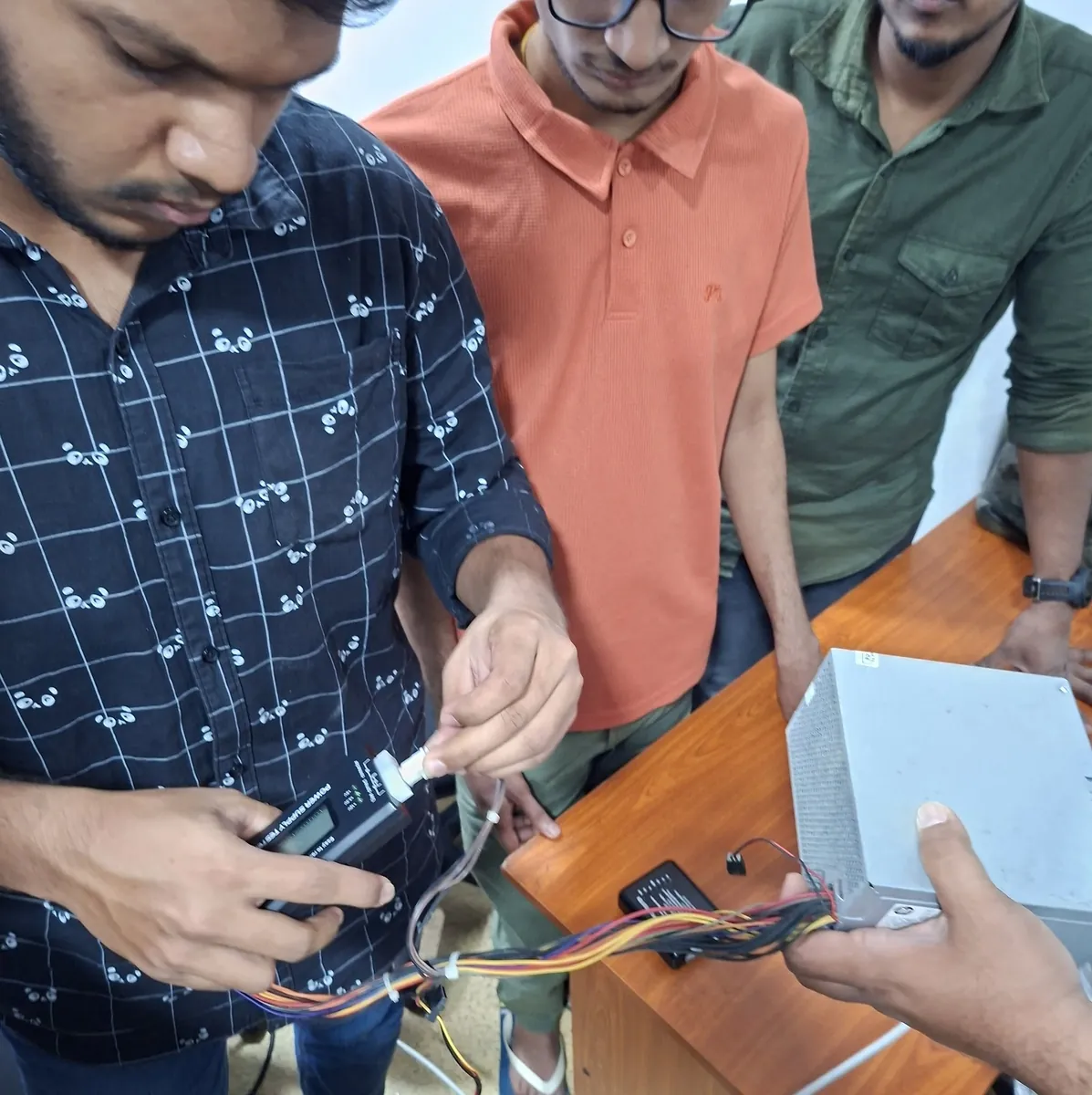
  • Hardware fault diagnosis using practical scenarios
  • Basic network setup and connectivity troubleshooting
  • Laptop service fundamentals and component awareness

Admission Requirements

Before you start

  • Basic computer literacy
  • Interest in computer hardware, repair or IT support
  • Ability to follow practical lab instructions
  • Basic English reading ability for technical terms
  • No previous professional certification required
  • Willingness to follow lab safety and equipment handling guidelines

Next Courses

Recommended pathways

  • Certificate in Hardware & Network Engineering +AI
  • Certificate for Windows Server and Network Security +AI
  • Networking Practical Lab Workshop
  • Windows Server Administration Workshop
  • CCNA Practical / Job-Ready Networking Programme

NextGen Campus Support

Student support

  • Live lecturer-led instruction and guided demonstrations
  • Hands-on practical support during hardware labs
  • Guidance on component selection and compatibility
  • Support for installation and troubleshooting activities
  • Career and pathway guidance for IT support roles
  • NextGen Campus academic coordination and learner assistance

PCG Bootcamp Payment Options

Course fee and payment guidance

Total course feeLKR 35,000For the complete two-month programme
Installment optionsAvailable on request
Discount eligibilityConfirm with an advisor
Payment guidance078 100 8100
Programme duration2 Months
  • 100% practical delivery
  • Hardware lab sessions
  • PC assembly & diagnostics
  • Operating system installation
  • Lecturer guidance

Installment arrangements and selected discounts are subject to intake eligibility and current offers. Confirm your payment option with a NextGen Campus Education Advisor before payment.

Need Payment Guidance?

Want help choosing your payment option?

Talk to our Education Advisor for installment availability, discount eligibility and registration support.

Talk to Our Education Advisor

Upcoming Intake

Request intake, fees and registration guidance.